
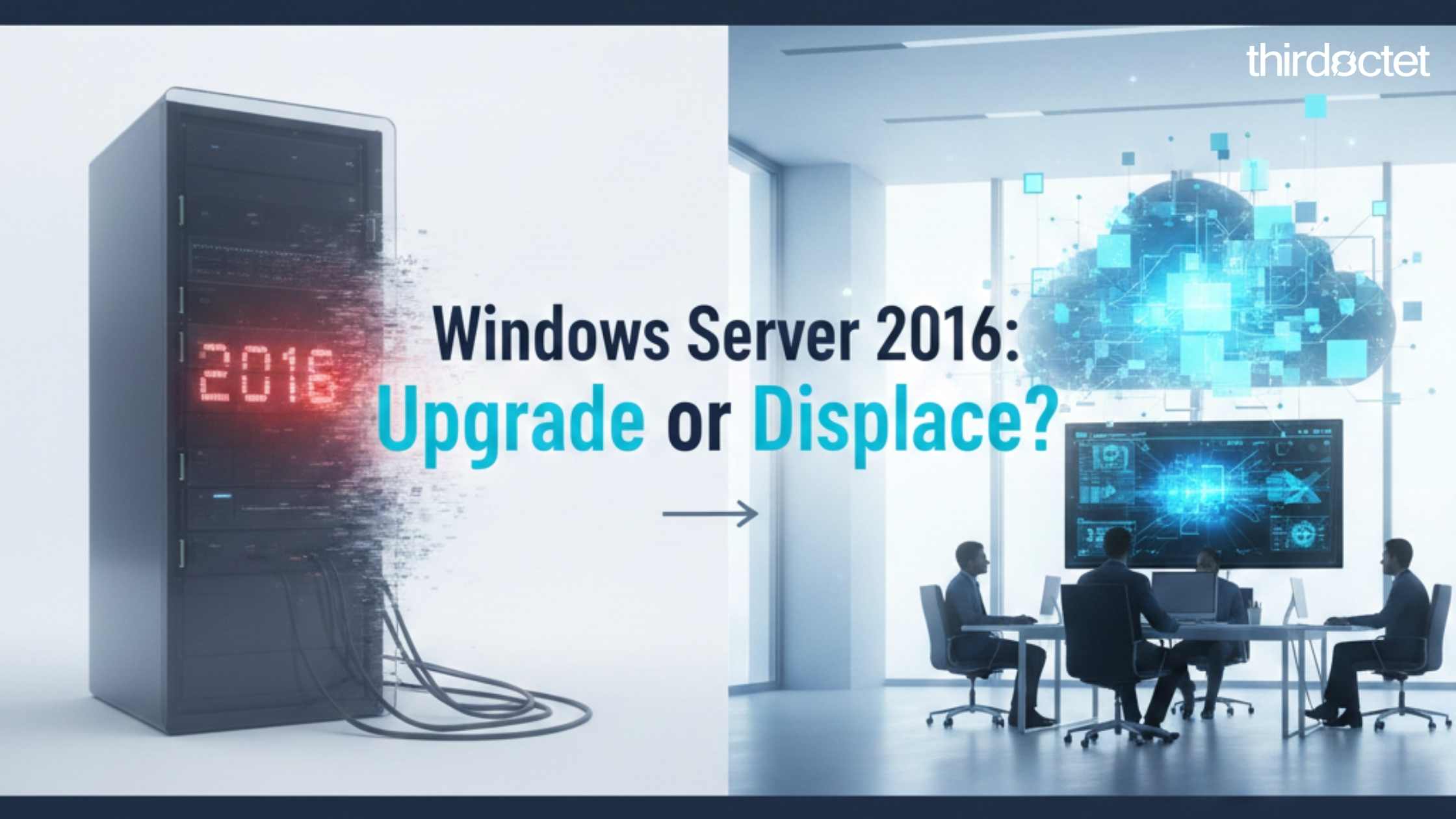

Windows Server 2016 is approaching end of support. When that happens, the risk and accountability around that server change.
For many SMBs, the default reaction is understandable:
- “We need to upgrade.”
- “What’s the next version?”
Reasonable. But this is where most IT conversations stop. It’s also where they should actually begin.
Because end of life isn’t just a technical deadline, it’s a relevance check.
TL;DR
Windows Server 2016 end of life is a forcing function. Nothing breaks overnight, but it becomes harder to defend the status quo.
The default move is to upgrade. The better move is to confirm what the server’s still doing, and whether it should exist at all.
In many environments, the best outcome isn’t a newer server. It’s fewer unnecessary servers.
To decide your next move, ask these 3 questions
- What workload is this server actually running today?
- If it failed this afternoon, what breaks, and for whom?
- If you were designing this from scratch now, would you put it on a server?
1) The trigger: the end-of-life email you can’t ignore
At some point, someone forwards the message: “Windows Server 2016 is approaching end of support.”
Even if nothing changes overnight, the expectations around that server do:
- Security posture gets harder to defend
- Compliance questions become more pointed
- Insurance conversations get less forgiving
So yes, you need a plan. But the first step isn’t picking a version.
It’s identifying what this server still exists to do.
2) The real question: why is this server still here?
Before you choose a path, get specific:
- What workload is this server actually running?
- When was the last time it changed?
- Who depends on it, and how often?
In many reviews, we find a ‘critical’ 2016 server that turns out to be shared files, printing, and one legacy app used by a handful of people.
End of life is a signal, not an instruction.
It’s a prompt to ask whether the server’s still relevant to how your business operates today.
3) The status quo is outdated (but nobody talks about it)
A lot of SMB environments still look like this:
- Aging on-prem servers
- One or two “critical” boxes nobody wants to touch
- Refresh cycles every few years that feel expensive and disruptive
Meanwhile, the world’s changed:
- SaaS-first tools became normal
- Cloud identity matured
- Resilience and redundancy became design defaults, not add-ons
Observation: We’ve modernized the tools, but not always the mindset.
If you wouldn’t design it this way today, it’s worth asking why you’re keeping it tomorrow…
4) Upgrade vs. displace: two very different paths
When Windows Server 2016 reaches end of support, there are usually two paths. They aren’t equal.
Path A: Upgrade the server
This typically means:
- A newer Windows Server version
- New hardware or virtualization costs
- The same architecture and dependency chain, just refreshed
It can be the right move when the workload truly belongs on a server. But it often keeps the same underlying risks:
- Patch cycles never end
- A single point of dependency still exists, even with redundancy
- Complexity grows quietly over time
Path B: Displace the server
This means:
- Move workloads to SaaS or service-based platforms where it makes sense
- Rethink identity, files, apps, and access
- Reduce infrastructure, not just refresh it
You design for:
- Remote work by default
- Resilience
- Scalability
A useful framing: Upgrading keeps the lights on. Displacing changes the building.
5) Why “no servers” is increasingly normal
This is less radical than it sounds. Many organizations are already close to this reality, even if they don’t realize it.
Examples:
- File collaboration without traditional file servers
- Identity without relying on on-prem domain controllers for every environment
- Applications delivered as services, not installed binaries on a local server
Common benefits:
- Fewer failure points
- Less patching and fewer weekend emergencies
- Lower long-term cost of ownership
- Clearer security boundaries and simpler access patterns
Modern IT isn’t about better servers. It’s often about fewer of them, because there’s less to maintain and less to protect.
6) Where most IT advice falls short
Typical advice sounds like:
- “Here’s what version to upgrade to.”
- “We’ll migrate the server.”
That isn’t wrong. It’s just not the whole job.
What often gets missed:
- Strategic questioning
- Business relevance
- Your long-term operating model, including who owns what, how it’s maintained, and what “good” looks like
Our philosophy is simple:
Modernization before migration.
Architecture before upgrades.
7) Our role: from server-centric to workplace-centric
A server conversation can easily become a hardware quote and a project plan.
That’s not where we start.
If you want to see the full approach end-to-end, here’s how we work at Third Octet.
If the right call is to keep the server, we’ll say that—the goal isn’t “no servers”—it’s no unnecessary ones.
We start with:
- What the business actually needs the workload to do
- What can be simplified or eliminated
- What still truly belongs on a server (if anything)
The outcomes we aim for:
- Fewer things to manage
- Clearer systems and responsibilities
- Technology that fades into the background so that the business can focus
8) A simple decision matrix
Use this quick matrix to pressure-test your next move.
Upgrade is more likely the right call if:
- The workload is tightly coupled to Windows Server (legacy, business-critical software with specific dependencies).
- You can’t change the app architecture before the deadline.
- There’s an obvious reason it must remain server-based for now.
Displace is more likely the right call if:
- The server is mostly file shares, printing, or “miscellaneous services.”
- The workload hasn’t changed in years and is lightly used.
- You’re already living in SaaS for most day-to-day work.
- Reducing infrastructure would materially reduce risk and operational effort.
A third option: phase it
Often, the best answer is a staged plan:
- Stabilize risk now (access, backups, monitoring, patch posture)
- Displace what’s easy first (files, collaboration, identity improvements)
- Upgrade only what truly must remain server-based
Bottomline: don’t rush the upgrade
The end of life for Windows Server 2016 is real. But it isn’t a mandate to repeat the past.
Before you upgrade, step back.
Let’s assess whether this server should exist at all, or whether it’s time to replace the workload with something simpler, safer, and easier to operate.
Book a server relevance review A short, structured review to determine whether this server should be upgraded, replaced, or retired.
FAQs
When does Windows Server 2016 go end of life (EOL)?
Windows Server 2016 goes end of life on January 12, 2027. That’s Microsoft’s extended support end date, and it’s the one that matters most because it’s when security updates will no longer be provided.
What about the “mainstream support” end date?
Mainstream support ended on January 11, 2022. That date matters less for most SMBs because security updates remain available during extended support.
Should I upgrade to a newer Windows Server version?
Sometimes. If the workload truly must remain server-based, an upgrade can be the right short-term decision. The key is to confirm whether the workload can be displaced first, so you don’t refresh infrastructure you don’t need.
References
Microsoft Learn: Windows Server 2016 lifecycle (end of extended support): https://learn.microsoft.com/en-us/lifecycle/products/windows-server-2016

0 Comments