
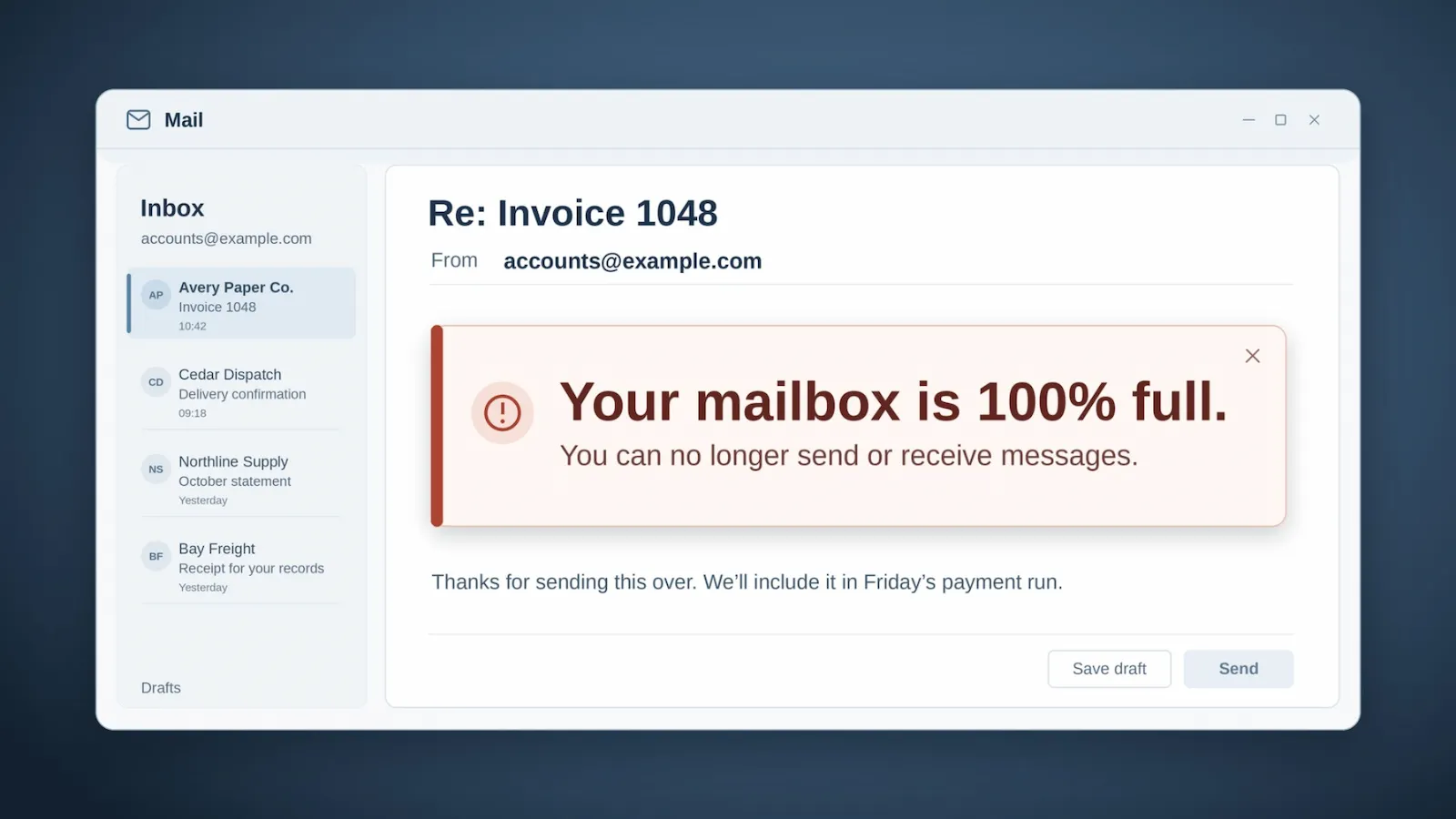

Why are we paying for this shared mailbox?
A new charge shows up on your Microsoft 365 invoice. It’s for accounts@, an inbox your team has used for years. What changed?
Key takeaways
- Most Microsoft 365 shared mailboxes don’t need a licence. A licence is required if storage exceeds 50 GB or certain features, such as online archiving or a legal hold, are needed.
- If a sudden charge appears, ask IT which mailbox it covers, why the licence was added and what it will cost going forward. If storage was the issue, ask how much space the mailbox is using compared with its limit.
- If you no longer need the licence, ask when it can be removed from your subscription. Unassigning it from the mailbox alone won’t stop the charge.
When a “free” shared mailbox can start costing you
The accounts@ inbox might have worked for years while invoices, statements, and supplier attachments piled up little by little. By the time a licence charge shows up on the bill, IT may have already added space to keep mail flowing.
If storage prompted the change, ask how much space the inbox was using compared with its old limit and what the licence will cost going forward.
More room may be worth paying for if you use the inbox every day. If most of the space is taken up by mail you no longer need, ask IT whether a cleanup would free up enough room to remove the licence. See Microsoft’s current shared mailbox limits and licensing rules.
Start with the team that uses the inbox. What do they still use it for, and which messages do they need to keep?
If you use accounts@ every day to handle invoices and answer supplier questions, paying for more space may make sense.
If the charge is for an old project inbox that someone opens once a year, check what still needs to be kept and whether anyone still emails that address.
You may be able to retire it once you’ve saved the records and redirected incoming mail.
Can we take the licence off the bill later?
Yes, if IT confirms the mailbox can run without it. Unassigning the licence from the mailbox leaves it on the paid subscription. Ask whoever manages your Microsoft 365 billing when they can remove it from the subscription and which invoice will reflect the change. See Microsoft’s guidance on removing a shared mailbox licence.
Check which mailboxes are close to their limits
Ask IT for a list of shared mailboxes showing how much storage each one uses, its limit and whether it has a licence. Start with the inboxes that are close to their limits or already carry a charge.
For each one, identify someone on the team who can say what it’s used for and what email needs to be kept.
IT can explain what each mailbox needs, and you can decide whether the licence is worth keeping.
Seeing several Microsoft 365 charges you can’t match to a mailbox? Ask Third Octet to review them with you.
Frequently asked questions
What happens when a shared mailbox is full?
It can stop sending email first while incoming messages still come through. If it runs out of room to receive mail, new messages can bounce back to the sender. For an inbox like accounts@, that could mean a supplier’s invoice never reaches you. Microsoft Learn.
Do shared mailboxes need a license?
Not for basic use. A Microsoft 365 shared mailbox can hold up to 50 GB without its own licence. A licence is required for more storage, in-place archiving or a legal hold. People accessing the mailbox still need their own Exchange Online licence.
What happens when a shared mailbox exceeds 50 GB?
It can no longer send email and, eventually, stops receiving new messages. You’ll need to reduce its storage or assign an appropriate licence to increase its limit to 100 GB.
Can we archive old email with the Microsoft 365 plan we already have?
Possibly. If the shared mailbox already has a licence that includes online archiving, you may be able to use it. Otherwise, ask whoever manages Microsoft 365 whether an archiving add-on is available for your plan and how its cost compares with adding more space to the main mailbox. Microsoft Learn.



0 Comments