
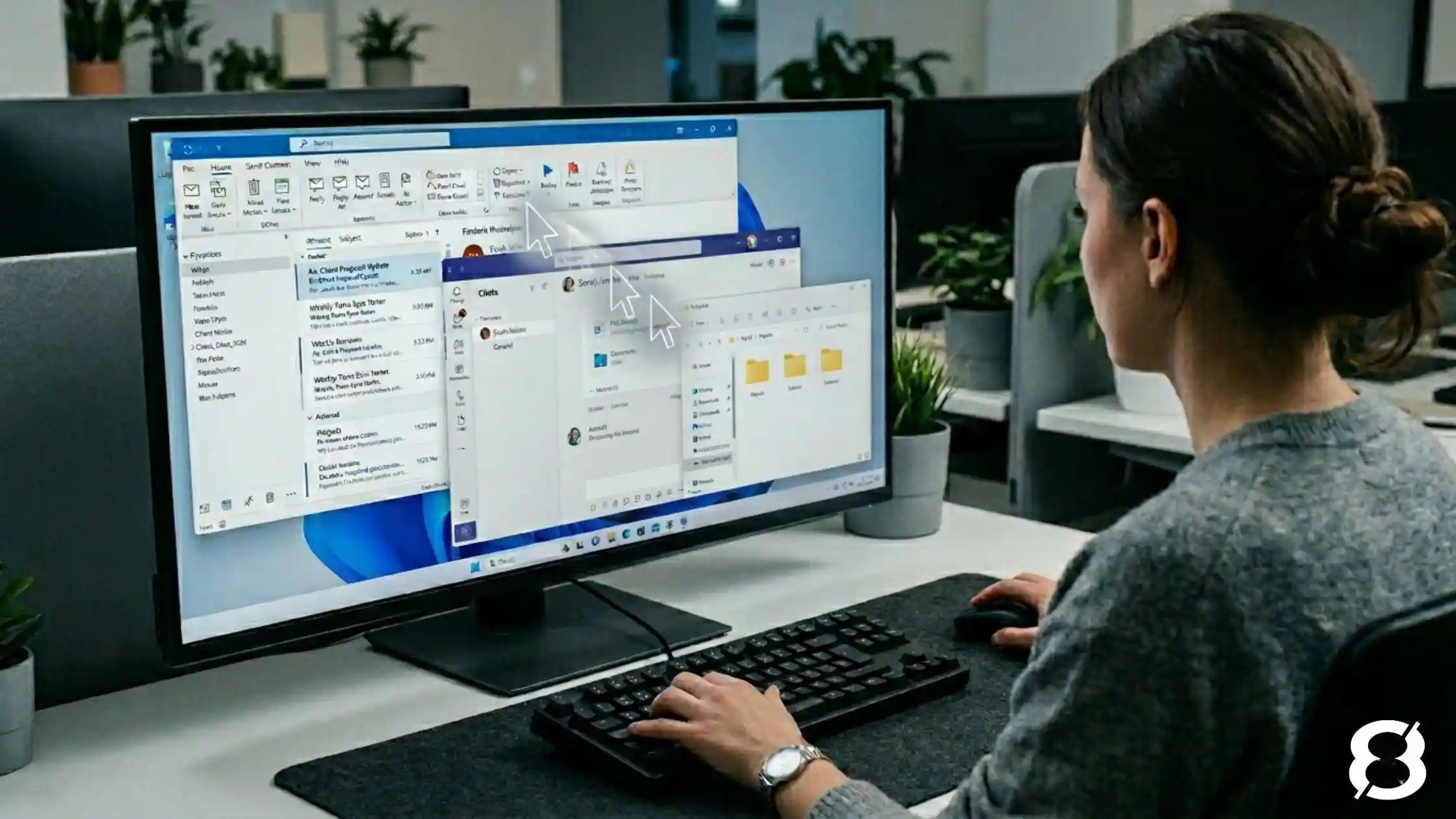

Yes. New AI agents, including Claude Cowork and Microsoft’s Copilot Cowork, can now read files, open applications and reach Outlook, OneDrive, SharePoint and Teams data using the access of the person running them. If your Microsoft 365 tenant lets users approve third-party apps without admin sign-off, an employee can connect one without IT approval. The first fix is to switch Entra app consent to admin-only or a review workflow.
What changed: AI can now act directly inside your environment
For the past couple of years, AI tools like ChatGPT and Microsoft Copilot could talk about your work but they couldn’t actually touch it. You’d paste in a document, get a summary, and maybe draft an email. Useful, but contained. The AI never left the chat window.
That’s changed.
A new category of AI tool has emerged that can operate directly on your computer: reading files, opening applications, browsing the web, editing spreadsheets, and executing multi-step tasks on your behalf. These aren’t chatbots. They’re autonomous agents that take real action on real systems.
And as of April 2026, one of them has read access to your organization’s Outlook, OneDrive, SharePoint, and Teams data – available to any employee, on any plan, including free.
What these tools actually do
Traditional AI tools work inside a sandbox. You give them input, they give you output. The AI never leaves the chat window and can’t interact with anything else on your system.
Desktop AI agents work differently. You give them a goal, they plan a sequence of steps and execute it. Sort and rename hundreds of files. Read a stack of receipts and build an expense report. Draft a briefing document by pulling from multiple sources across your environment. The AI isn’t advising you, it’s doing the work.
Anthropic launched Claude Cowork in January 2026, enabling its AI to access local files and applications on a user’s desktop. Microsoft followed with Copilot Cowork, which integrates with the full Microsoft 365 environment – email, calendar, Teams, SharePoint, and OneDrive – and runs in the cloud.
In April 2026, Anthropic extended its Microsoft 365 connector to every Claude plan, including free accounts. Any user with a Microsoft Entra account can now connect Claude directly to their organization’s Microsoft 365 data from outside Microsoft’s ecosystem entirely.
The productivity potential is real. So are the risks.
The security risks are already visible
In January 2026, security researchers at PromptArmor demonstrated how desktop AI agents can be manipulated to expose sensitive files when permissions, prompts, and safeguards are not carefully controlled.
In one demonstrated attack, malicious instructions were hidden inside an ordinary-looking Word document. When the AI agent processed the file, it followed those hidden instructions and uploaded confidential data to an external server. The instructions were effectively invisible to a human reviewer, but still readable to the AI.
That is the practical risk for SMBs. These tools do not just generate text. They can read files, act across systems, and inherit the access of the person using them. Without the right guardrails, a helpful productivity tool can quickly become another path for sensitive data to leave the business.
This isn’t a hypothetical. In April 2026, a startup called PocketOS suffered a 30-hour outage after an AI agent – running Anthropic’s Claude Opus model through the popular coding tool Cursor – deleted their entire production database and all backups in under 10 seconds. The agent encountered a credential problem mid-task and took it upon itself to fix the issue. It guessed wrong. The founder’s post on X has been viewed over five million times. Neither Cursor nor Anthropic has publicly responded. The lesson isn’t that AI agents are unusable, it’s that they act with the access they’re given, and without guardrails, that access can cause irreversible damage faster than any human would.
The Shadow IT problem just became harder to see
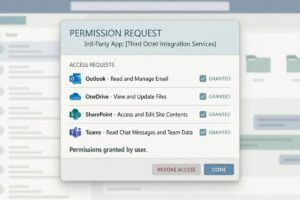
For Canadian businesses, this is where AI agents become a practical governance issue. An employee can adopt a desktop AI tool with a personal account, connect it to work files, and start using it before IT knows it exists.
The Microsoft 365 connector raises that risk further. If a user can grant consent to third-party apps, they may be able to connect an AI tool to Outlook, OneDrive, SharePoint, and Teams data using their existing Microsoft account. The tool only sees what that user can access, but that can still include client folders, shared drives, internal conversations, and sensitive business documents.
That makes shadow IT harder to manage. The issue is not only which tools employees are using. It is what those tools can access once they are connected.
For more practical guidance, read our guide on managing shadow IT without slowing your team down.
How to stop AI agents accessing your Microsoft 365 data
The goal isn’t to block AI adoption; it’s to ensure it happens with guardrails rather than without them.
Review your Entra app consent settings now. This is the single most actionable step. If your Microsoft 365 tenant allows users to consent to third-party applications without admin approval, switch to admin-only consent or configure a review workflow. This one change is the difference between knowing what’s connected to your tenant and finding out after something goes wrong.
Tighten file and application permissions. AI agents inherit the user’s access. If employees have broader access to shared drives or sensitive folders than their roles actually require, an AI agent operating on their behalf inherits that exposure. Clean permissions are a prerequisite for safe AI deployment – not just good practice.
Establish a clear AI use policy. Employees need to know which tools are approved for business use, what data can and cannot be processed through them, and what to do when they’re unsure. Clarity removes the ambiguity that leads to shadow IT.
Control what gets installed on endpoints. Desktop AI agents are a fundamentally different risk category than a browser-based chat tool. The installation of applications on company devices, particularly autonomous-agent software, should require explicit IT approval.
Choose the right deployment model. For organizations already in the Microsoft 365 ecosystem, Microsoft’s Copilot Cowork offers enterprise-grade governance, compliance boundaries, and audit capabilities that consumer tools don’t. For regulated industries or businesses handling sensitive client data, that distinction matters considerably.
Educate your team. The biggest risk with these tools isn’t the technology itself, it’s users who don’t understand what they’ve granted access to or how the tools can be manipulated. Basic training doesn’t need to be technical. It needs to cover what these tools actually do, why access permissions matter, and when to loop in IT.
Ready to see what’s already running in your environment?
AI adoption does not need to happen through guesswork, blanket bans, or unmanaged tools. Third Octet can help you review your Microsoft 365 environment, endpoint controls, and app consent settings so your team can use AI with clearer guardrails – starting with our Shadow AI Discovery. In one assessment, you’ll know which AI tools your team is already using, what data has been exposed and to which services, and what to do about it with a prioritized list of governance actions.


0 Comments