
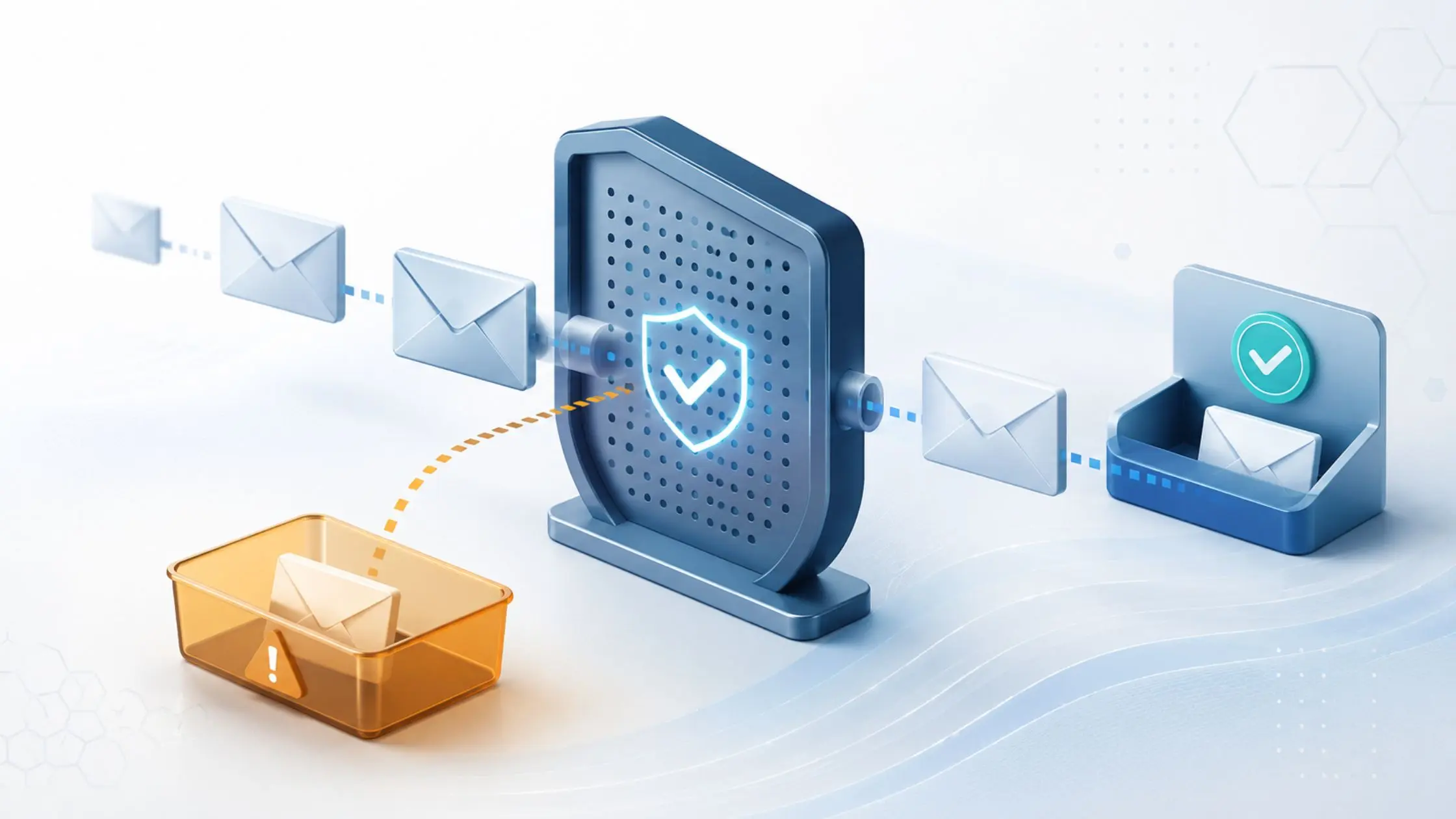

Legitimate emails get blocked when the sender’s domain fails email authentication checks (SPF, DKIM, or DMARC), so your mail system can’t verify who sent them. Fixing the sender’s configuration is safer than whitelisting them, which can weaken protection if their account is later compromised.
Why do legitimate emails end up in quarantine?
You’re waiting on a contract, report, invoice, or introduction. The sender
says they sent it. But the email never reaches your inbox.
Eventually, someone checks quarantine, opens a support ticket, and finds the missing message.
It’s frustrating. But before changing your email security settings, there’s an important question to answer: Why did the message get blocked in the first place?
Often, the issue starts with the sender’s email authentication. Their message may be legitimate, but their domain isn’t giving your mail system enough evidence to verify it.
That’s worth fixing at the source, especially when the alternative is weakening protections designed to catch phishing and impersonation attempts.
What are SPF, DKIM, and DMARC?
Anyone can make an email appear to come from a familiar company or person. Modern email security uses several authentication standards to help determine whether a message really came from the domain it claims to represent.
The three you’re most likely to encounter are:
- SPF (Sender Policy Framework): Identifies which servers are authorized to send email for a domain.
- DKIM (DomainKeys Identified Mail): Adds a digital signature that helps verify the message came from an authorized sender and wasn’t altered along the way.
- DMARC (Domain-based Message Authentication, Reporting & Conformance): Uses SPF and DKIM results to help receiving systems decide how suspicious messages should be handled.
You don’t need to know how to configure these records yourself. What matters is that they give your email system signals it can use to separate legitimate mail from messages impersonating a trusted sender.
When those signals are missing or incorrect, even a legitimate message can look suspicious.
Why a trusted sender might fail those checks
A company can be completely legitimate and still have problems with its email setup.
Its SPF record might be incomplete or outdated. DKIM may not be configured correctly. A third-party system sending email on the company’s behalf might not be properly authenticated. Or the domain may lack an effective DMARC configuration.
Your email system can’t see the business relationship behind the message. It sees the technical evidence attached to it.
If that evidence doesn’t add up, quarantine may be the appropriate response.
That matters because attackers rely on the same uncertainty. Phishing, impersonation, and business email compromise all depend on making a fraudulent message or account look trustworthy.
Strong authentication helps make that harder.
Why whitelisting isn’t usually the best first fix
When the same partner’s emails keep getting caught, the obvious solution can seem to be: “Just whitelist them.”
Sometimes a carefully scoped exception may be appropriate after the issue has been investigated. But broad allow-listing can weaken the checks your mail system performs on messages from that sender.
That creates another problem.
If the sender’s account or domain is later compromised, your organization may be more likely to trust messages that deserve additional scrutiny. That’s particularly risky when the sender is someone your employees already expect to receive invoices, payment requests, documents, or account information from.
These trusted relationships are also what make vendor and supplier impersonation particularly costly when an attack succeeds.
The safer approach is to understand why the messages are failing authentication first.
How does IT fix a blocked legitimate email?
When you report a missing or quarantined message, your IT provider can review its authentication results and determine what triggered the filter.
If SPF, DKIM, or DMARC is failing, that information can usually be shared with the sender or their IT provider.
They can then correct the underlying configuration.
Once both organizations are using properly configured email authentication, legitimate messages are easier to verify automatically. That means fewer quarantine issues without lowering the security bar for everything else coming into your inbox.
Email filtering is also only one part of a larger security setup. Third Octet’s approach includes phishing and spam protections, account takeover monitoring, and safe link and attachment protections as part of managing email and collaboration security.
Should you be concerned if legitimate emails are being quarantined?
An occasional blocked message doesn’t automatically mean something is wrong with your email security.
It does mean the cause is worth investigating.
If the sender’s authentication is the problem, relaxing your security settings treats the symptom while leaving the underlying issue in place. Fixing the authentication problem gives both organizations a more reliable way to establish trust.
And if the issue turns out to be somewhere else, your IT provider can troubleshoot that too.
Having recurring email delivery problems?
If emails from a partner, vendor, or other trusted sender regularly end up in quarantine, Third Octet can review what your Microsoft 365 environment is seeing and identify why those messages are being flagged.
Where the issue originates with the sender, we can also provide the technical details their IT team needs to investigate it.
The goal is simple: reliable email delivery without weakening the protections keeping suspicious messages out of your inbox.
FAQs
Why are legitimate emails going to quarantine?
A legitimate email can be quarantined when the sender’s email authentication is missing, misconfigured, or fails checks such as SPF, DKIM, or DMARC. Your mail system evaluates the technical signals attached to the message, not whether you personally know or trust the sender.
Should I whitelist a trusted sender whose emails keep getting blocked?
Not as a first step. A broad allow-list exception can reduce some of the checks applied to that sender and create unnecessary risk if their account or domain is later compromised. It’s safer to identify why the messages are being flagged and fix the underlying issue where possible.
Who fixes SPF, DKIM, or DMARC problems?
Usually, the organization sending the email or its IT provider. Your IT team can review the message headers and authentication results, identify what failed, and share that information with the sender so they can correct their configuration.
How do I find out why an email was blocked in Microsoft 365?
Ask your IT provider to check the quarantine record and run a message trace for the missing message. Together they show what action was taken and why. Your IT team can also read the message headers, which include the SPF, DKIM, and DMARC results. If the sender’s authentication failed, that’s the detail to pass along to the sender or their IT provider.
How can I tell if a sender’s SPF, DKIM, or DMARC is failing?
You usually can’t tell from the inbox. The authentication results (pass or fail for each check) are recorded in the message headers, which your IT provider can read. Free online lookup tools can also show whether a domain publishes SPF and DMARC records at all. If something is missing or failing, the sender or their IT provider is the one who needs to correct it.

0 Comments