A team is in a meeting. Someone says, “We should really be using AI.” A few people nod. The owner nods too. And then there’s a small pause, because nobody in the room can actually say what they’d use it for. If you’ve sat in that meeting,...
Before expanding AI, check four things: where your important data lives, who has access to it, how Microsoft 365 permissions and security controls are configured, and whether employees know which AI tools they may use and what they can enter. AI works on top of your...
Most organizations think they know what their IT provider manages. Devices. Email. The network. Security. Backups. Support tickets. And technically, they’re right. Those things are covered. Tickets get resolved. Patches get applied. Accounts get created. The Wi-Fi...
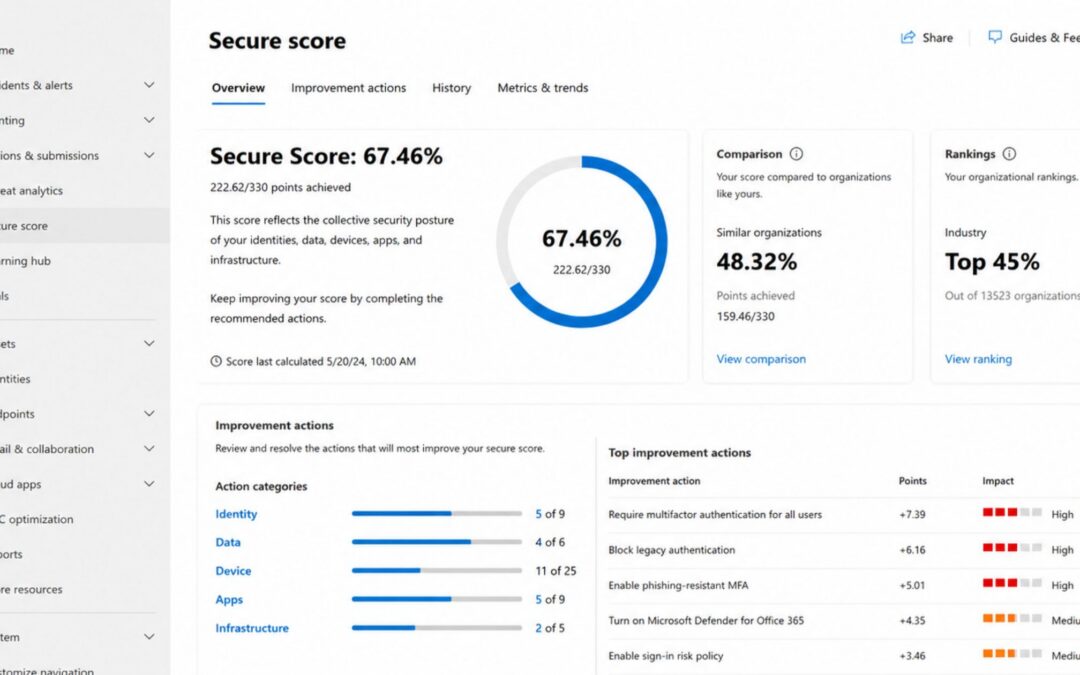
Many business leaders assume their IT environment is secure because they have backups, antivirus, firewalls, and Microsoft 365. Those are all important pieces. But having the right tools doesn’t always mean they’re configured correctly. That matters because small...
Yes. New AI agents, including Claude Cowork and Microsoft’s Copilot Cowork, can now read files, open applications and reach Outlook, OneDrive, SharePoint and Teams data using the access of the person running them. If your Microsoft 365 tenant lets users approve...